BigSeller Distribution Guide
BigSeller Distribution: I am a Supplier
How to Process Facebook Live Orders in BigSeller?
BigSeller Order -- One-click Processing of Multi-platform Orders
Field Introduction of BigSeller Order Processing Page
How to Create Offline Promotions (POS Retail Orders)?
Quickly know about all the attributes of the order details page
Steps for Processing Orders in BigSeller
Introduction to Salesperson Management
🔥 [New] How to Sort Orders?
Introduction to the meaning of time fields in the order fulfillment process
Introduction of BigSeller order status
BigSeller Print Plugin — Troubleshooting Handbook
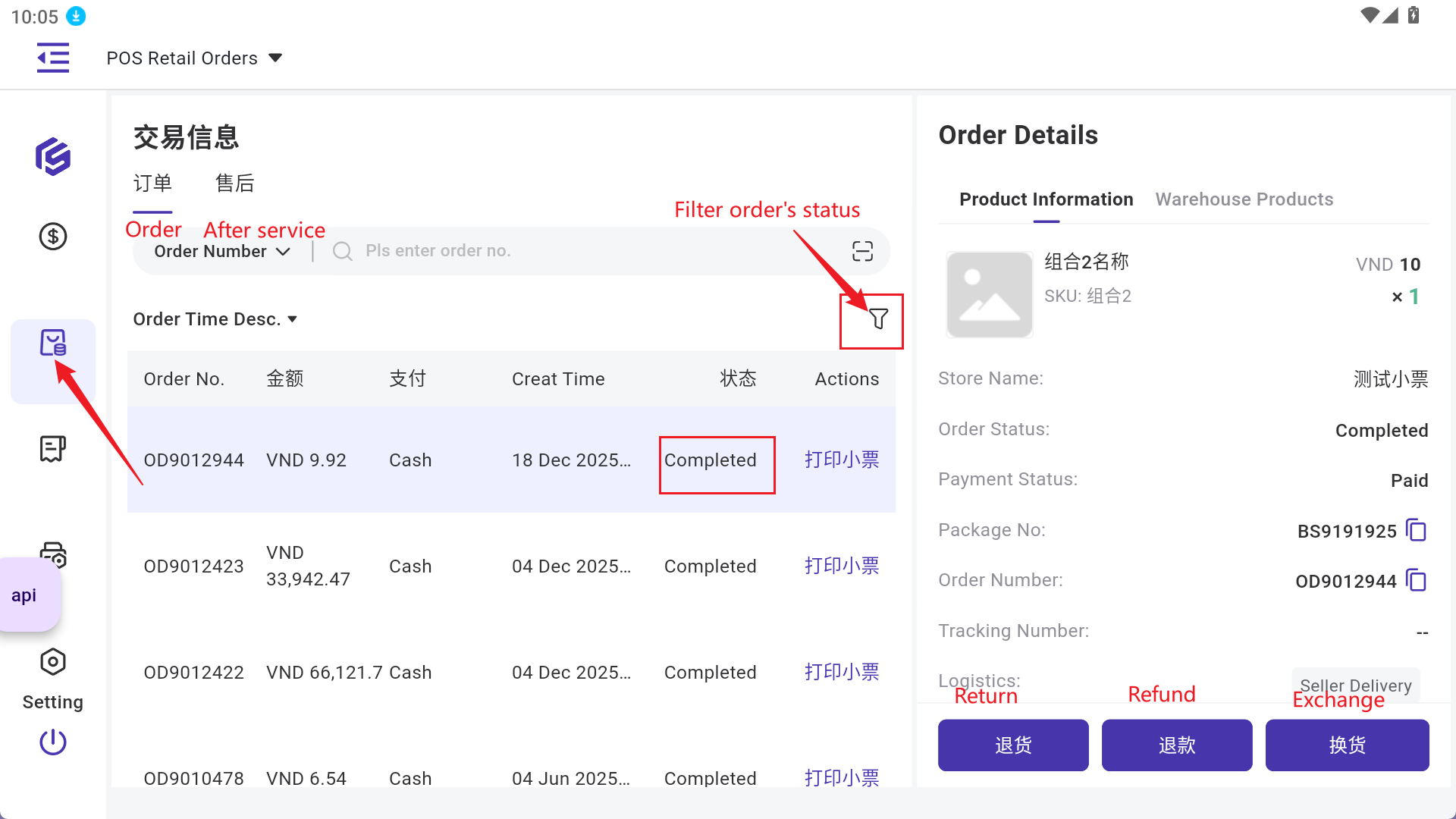
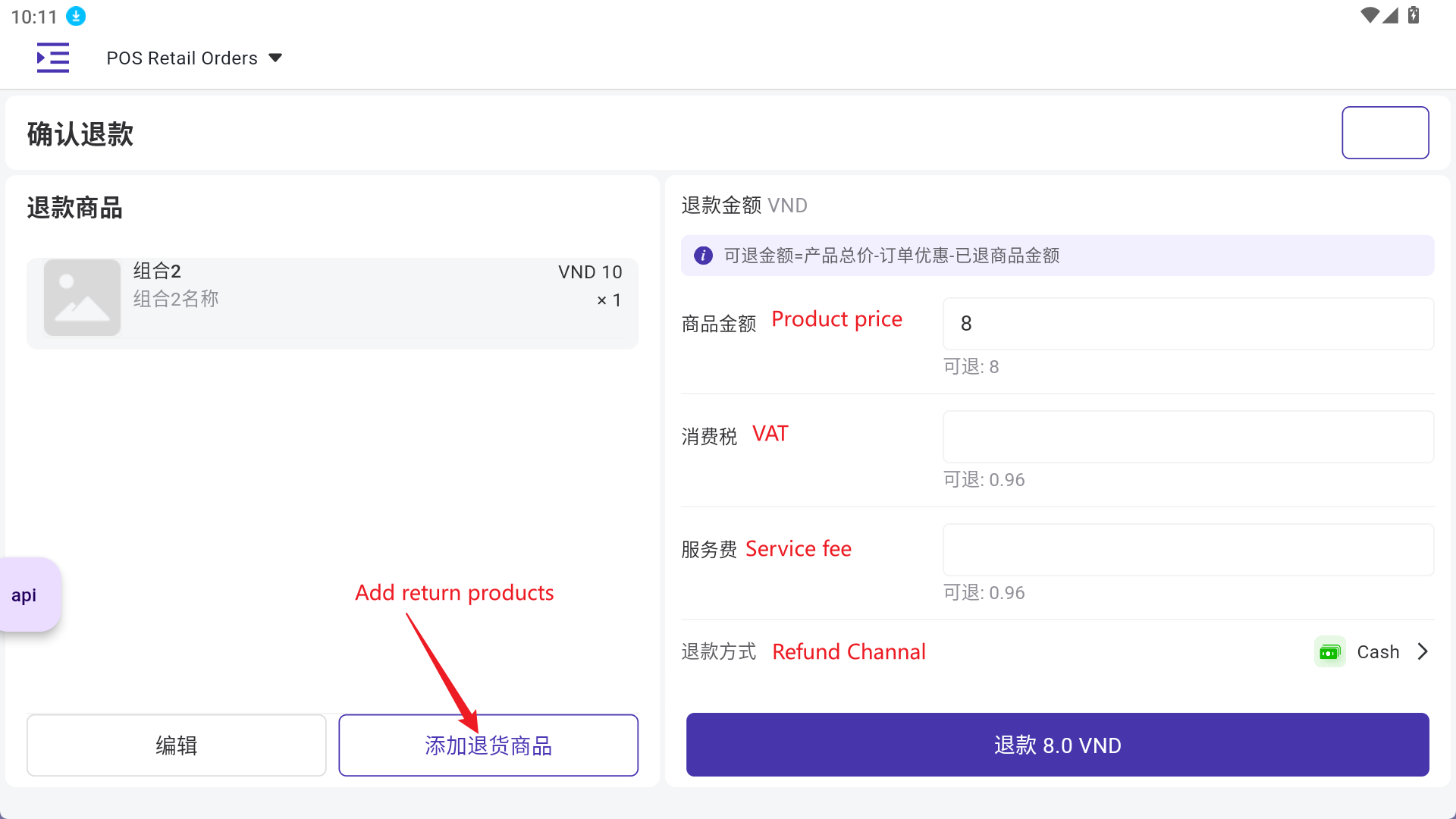
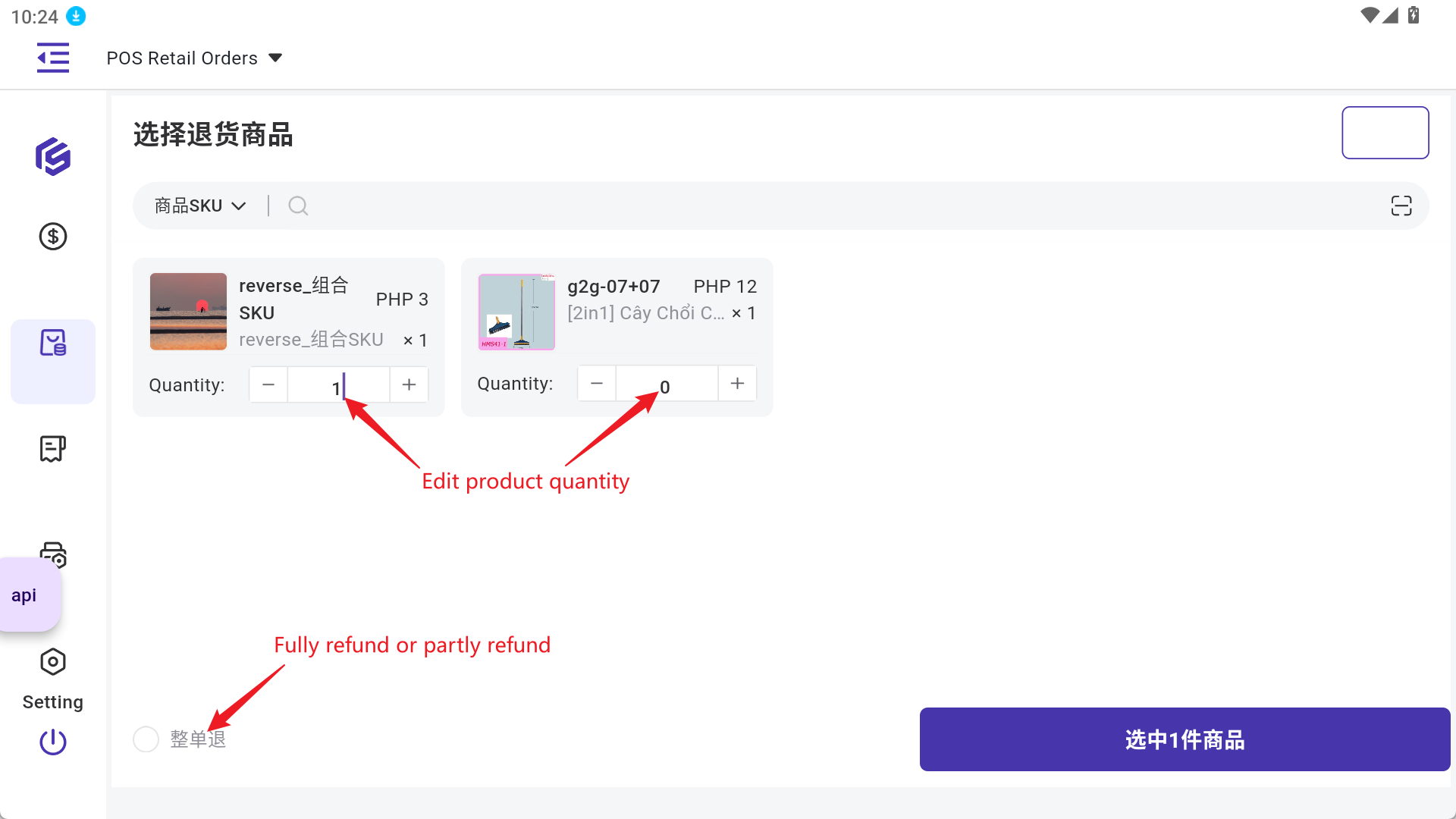
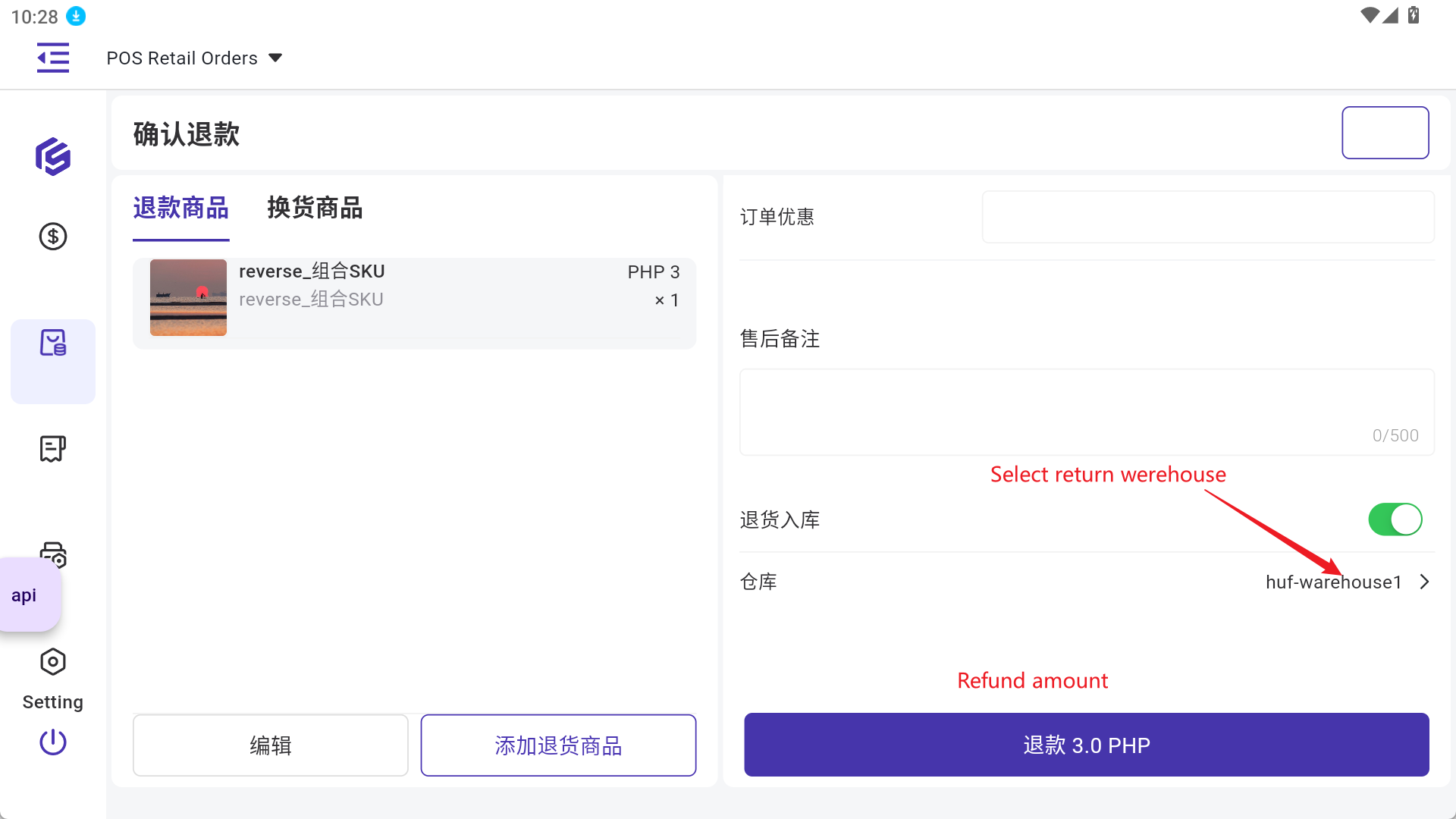
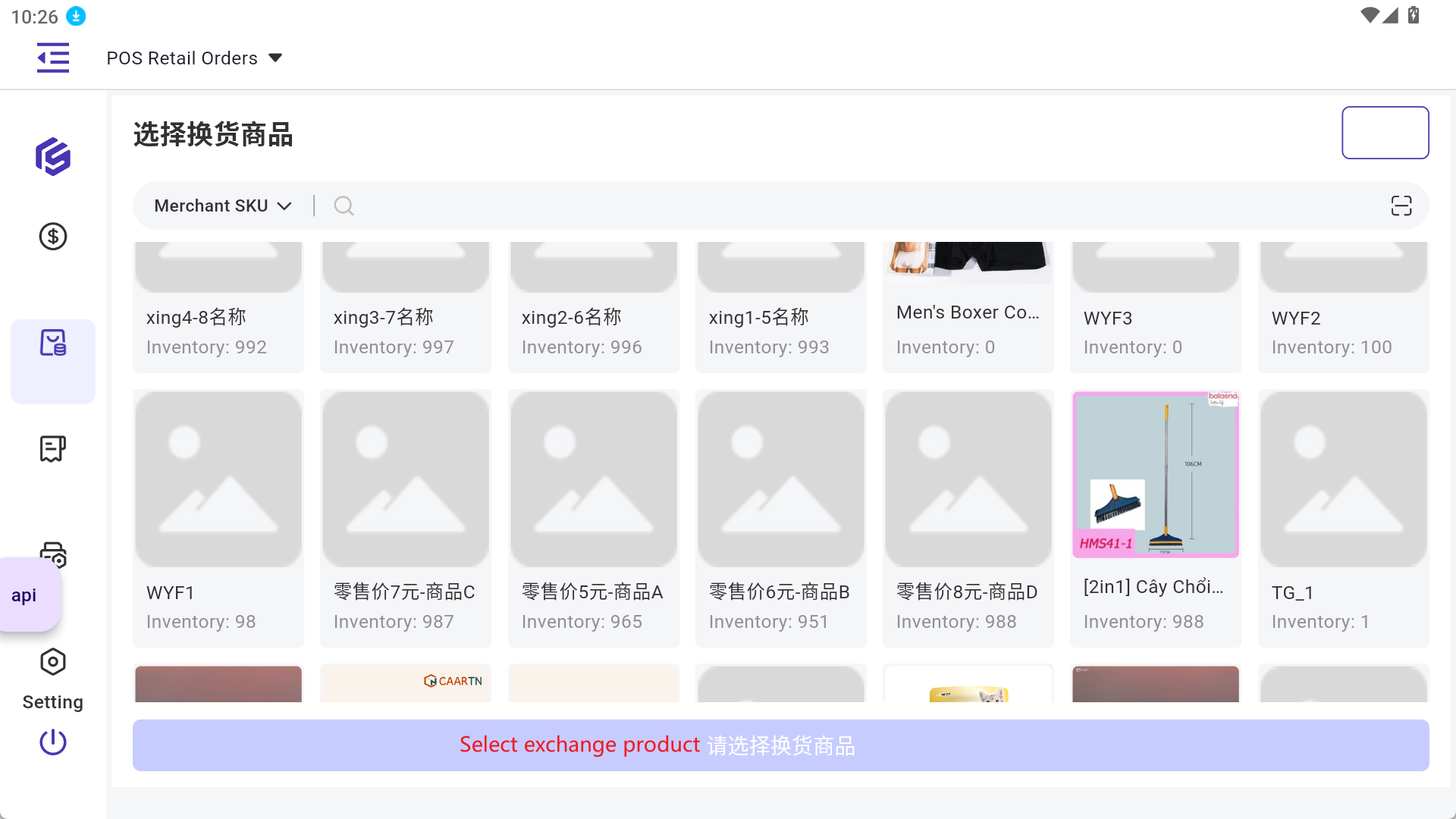
🔥[NEW] App POS Retail after-sales orders
What is Out-of-Stocks Statistics?
How to Manage My BigShop?
Introduction to After Sales Manage & Stock-In Return
How to Process Distribution After Sales Orders
🔥 [New] Introduction to Manual After Sales Order (Manual Entry of After-Sales Orders)
Steps to Process TikTok After Sales Orders
Steps to Process Shopee After Sales Orders
Introduction to TikTok After Sales Order Interception
Steps to Process Lazada After Sales Orders
🔥 [New] Introduction to Order Mark (After Sales Orders)
Introduction to Order Mark (Forward Orders)
🔥 [New] Introduction to 3PL Logistics Address Matching Settings
Introduction to Out Of Stock list
Common errors and solutions for fail to pack the orders
[New] Pack Order Interception Rule Setup
Introduction to Canceled Orders
How to Modify the [To Allocate/Deduct] Quantity of Your Order?
Introduction to shipping fee manage
How to Deal with Risk Buyers on BigSeller?
How to Configure Rounding Settings for POS Orders?
What is unusual order? How to deal with it?
Introduction to Vioded Orders
How to process orders from Shopee Advance Fulfillment Program
How to revert voided orders?
How to use the Scan to Inspect function
How to set Shopee default pickup address?
How to change the pickup time or address for an order?
🔥 [New] Introduction to Credit Term Management (Customer Reconciliation)
What is Slip2GO Auto-check Payment Certificate?
How to Use Staff Management and Performance Tracking?
How to Set Facebook Live Order Capture Rule?
How Suppliers Process Supply Orders via Third-Party Warehouses?
POS Retail Order Secondary Screen Setting (APP)
🔥 [New] Introduction to BigSeller POS Retail Order Landscape Mode (Ipad / POS Terminals)
🔥 [New] How to Set Tax-Inclusive Price for POS Retail Order?
🔥 [New] How to Print a POS Business Statement?
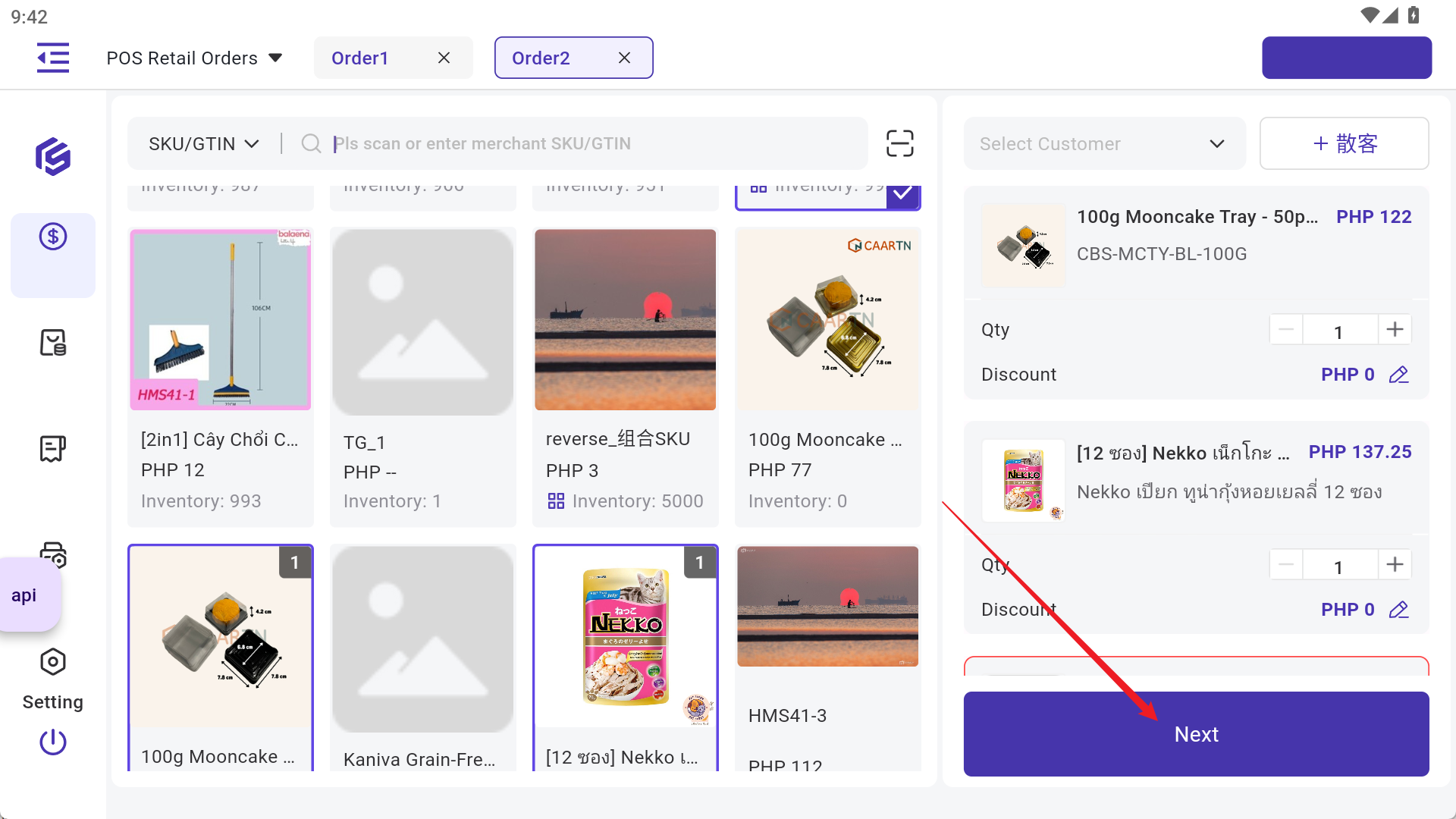
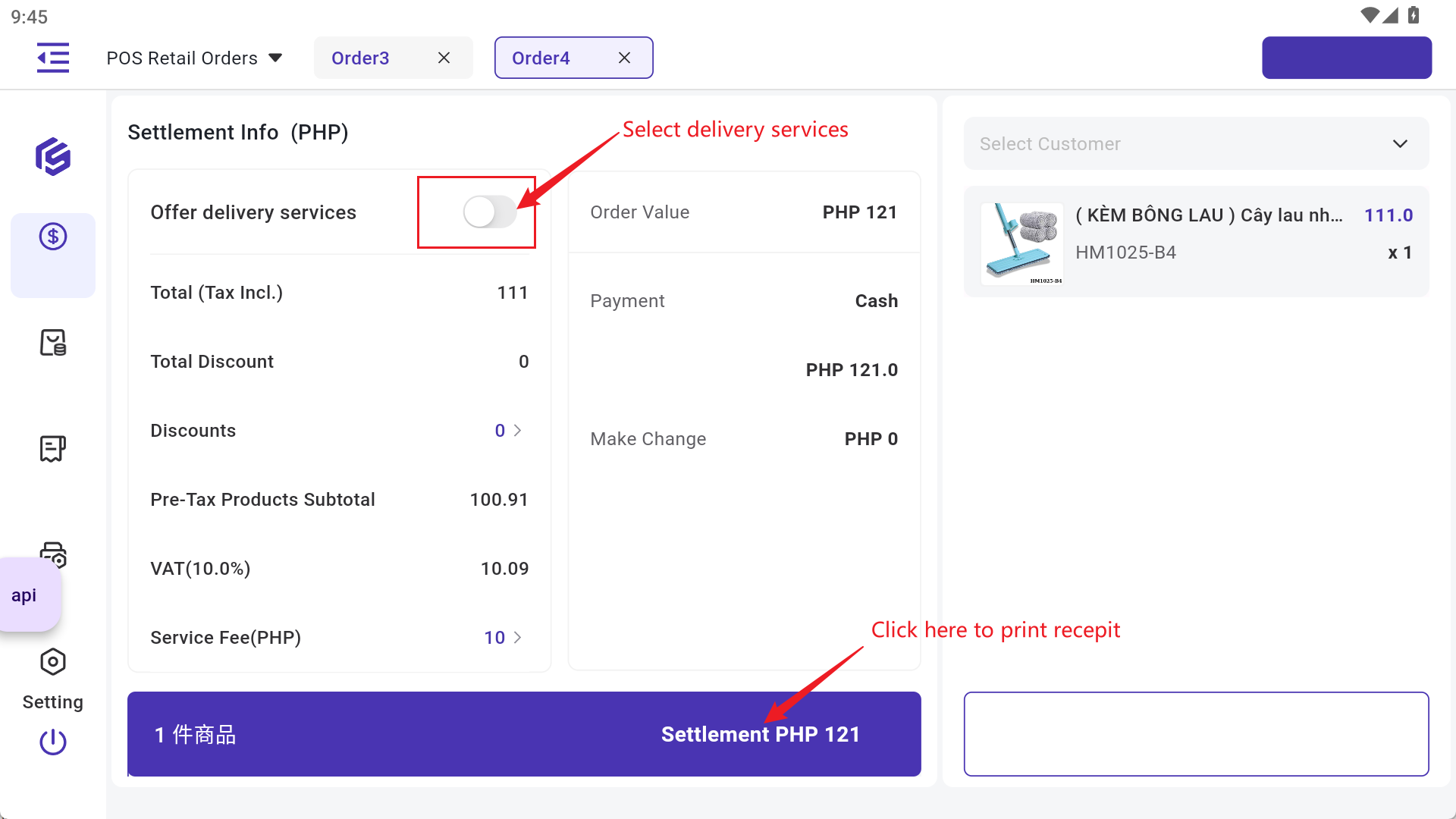
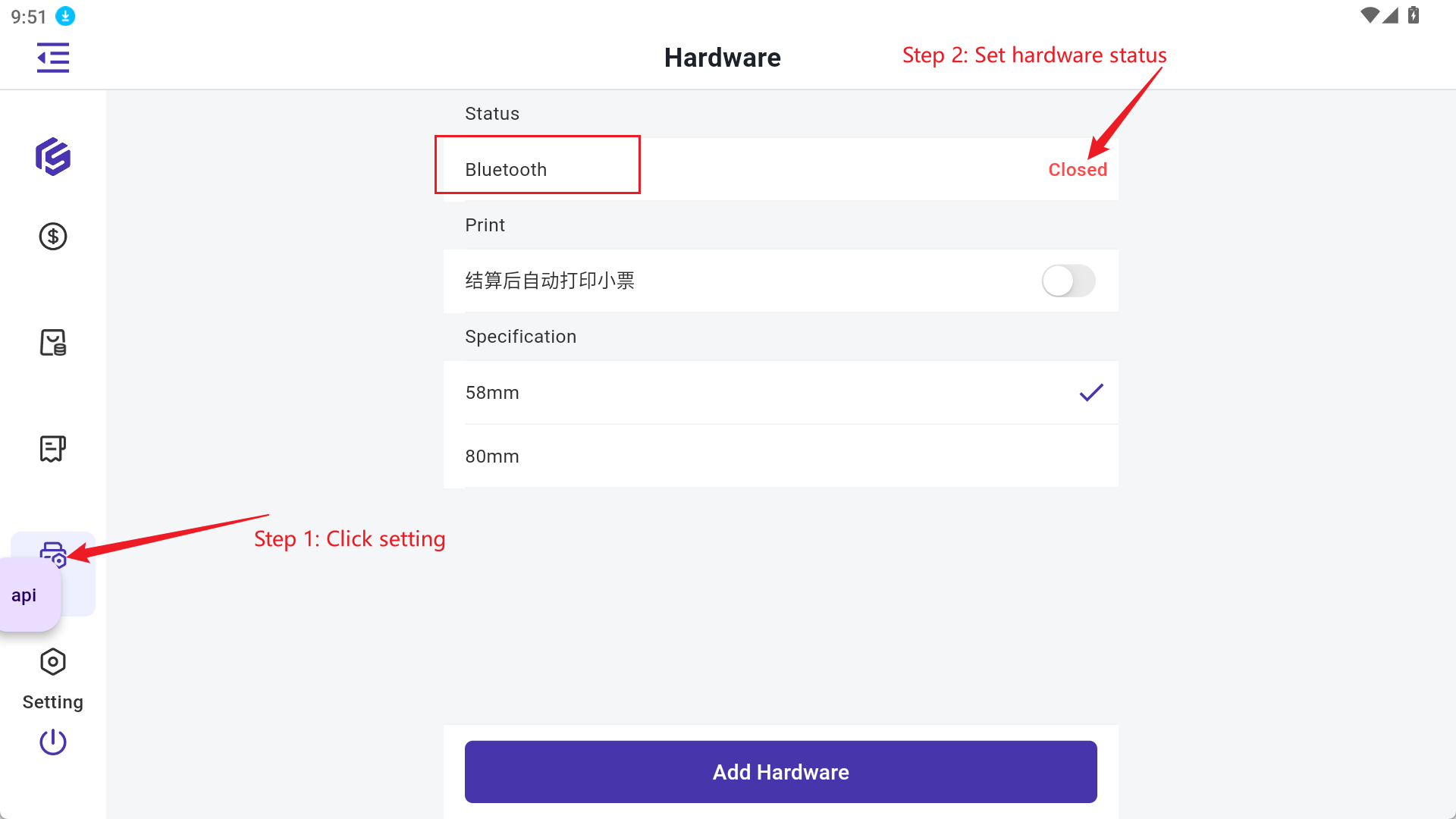
Introduction to POS Retail Order (Offline Retail Order)
How to edit/add Note for picking orders?
How to print shipping labels?
How to set and print the pack list?
How to set the pick list template?
Introduction to Invoice
How to Authorize Pos Laju (Malaysia)?
🔥 [New] Introduction to Print Log
How to customize filter settings on order lists?
What is Auto High Speed Printing?
How to use the Scan to Ship function?
How to use the Scan to Ship function (including weighing steps)?
What is Shipping Group?
How to edit/add notes for customer service?
Introduction to Allocation Rule
Introduction to Manual Orders
How to search an order quickly?
How to Quickly Filter Lazada Store Pick Up Orders
How to filter out Lazada orders with priority delivery?
How to export orders and customize the export template?
Introduction to Logistics Tracking
How to print a carrier manifest?
Common Errors and Solutions for Auto High-speed Printing Failed
How to import logistic information in bulk?
How to add extra items or gift products to an order?
How to set up shipping rules?
How to process Social Media orders (Facebook Live/Messenger Orders)?
Introduction to Messenger Orders
🔥 [New] How to Print Delivery Receipt (Delivery Order) in BigSeller?
How to Quickly Filter and Sort TikTok NDD (Next Day Delivery) Orders?
How to sync orders manually?
How to split orders in BigSeller?
How to Process TEMU orders in BigSeller?
How to process 168money (UP +1) live streaming orders with BigSeller?
How to Auto Pack Orders?
How to customize your shipping label?
How to process Lazada Choice orders (JIT)?
How to set store group?
What is estimated profit?
"Not all merchant SKUs mapped" in Estimated Profit?
How to use PDA to pick items with picking cart?
How to print shipping label for Zalora orders?
Introduction to Blacklist Cloud
Introduction to Pre-shipment
What is unpaid orders?
How to Edit the Store Info for POS Retail Stores?
How to manage manual orders/messenger orders/Facebook orders returns (Quick Stock-In)?
[New] Introduction to Shopee Fast Shipping Order Courier Calling Time Settings
Fast Shipping - Print the Shipping Label in the New Orders List
What is Multiplier Gift for Gift Rule?
Introduction to Marketing Order
How to use Gift Rule function?
How to use mark rules?
Introduction to Shipping Label Cache
How to Customize and Print Summary List?