Lazada——Seller not verified, please check seller status
Before you authorize Lazada stores in BigSeller, please complete the following information in Lazada Seller Center first.

Print Error: Order#, the shipping method is not match with the buyer-designated logistics.
Error: XXX have no stock in the warehouse

This Merchant SKU has no stock in the selected warehouse.
First: add a stock-in list to manually stock in How to add a Stock-In List?
Second: go to Orders - New orders - Out of stock - Refresh inventory
Third: process the order againError : "error_auth" partner and shop has no linked
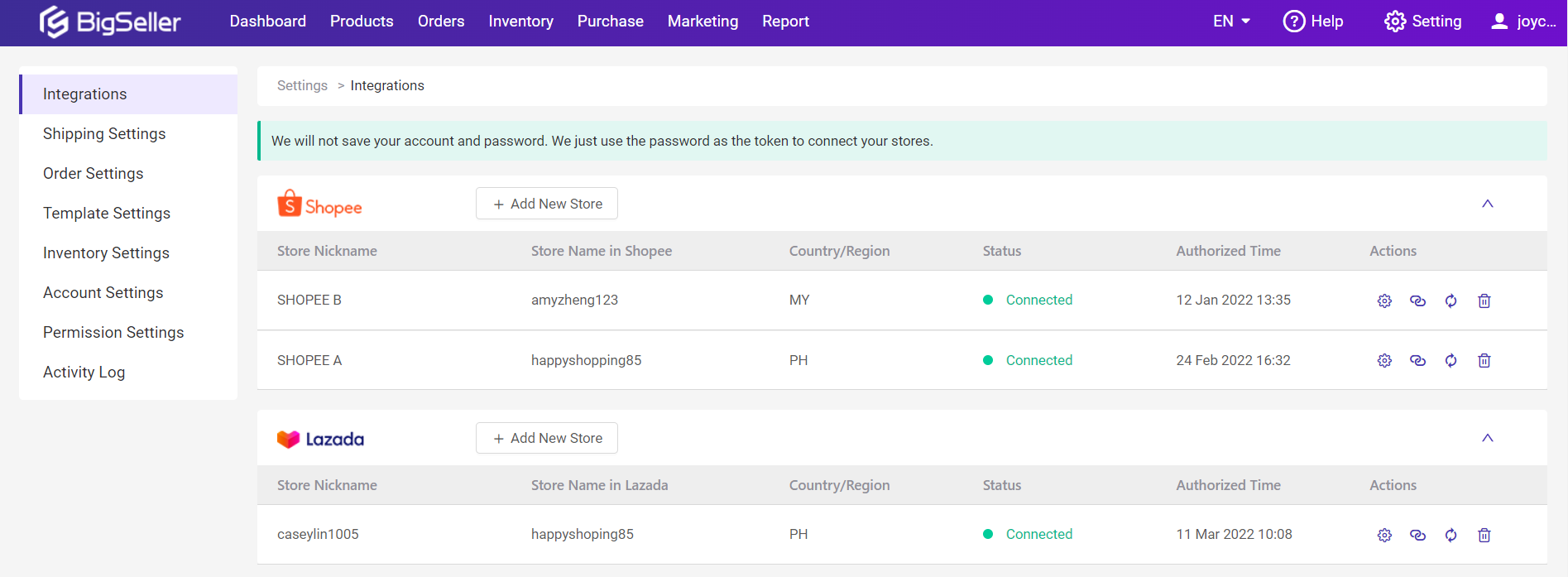
Solution: the store authorization has expired. Please reauthorize the store on the integration page first, and then process the orders
Error : This Order has not got the tracking number, please click 【Refresh】 later
This may occur when shopee hasn't generated an air waybill. When you try to arrange orders, the system will automatically check whether the air waybill is generated. If the air waybill is not generated, this error will appear. There are two solutions:
First: automatically move in printable:
When the system automatically syncs the order and find that the order has successfully obtained the tracking number, the order will be automatically moved to printable
Second : lick the refresh button to obtain the tracking number
You can also manually click the refresh button to get the tracking number. After clicking, if the order number has been generated, the order will be moved into the New OrdersShopee——Error: “error_not_exist" Address does not exist.
The pickup address set in shopee seller center is inconsistent with the default pickup address set in Bigseller
Go to Settings > order Settings > address settings, modify the default pickup address of the corresponding Shope store, and then reschedule the orderShopee——Error: "error_address_region" address is invalid
The address does not support pickup service
Please first consult the platform and ask if theaddress supports pickup service. If not you need to reschedule the order after changing the shipping method to dropoff on Bigseller. And if yes, please contact us and provide screenshots of communication with the platform customer service. Our customer service will help you solve this problemShopee——Error: "error_status_limit" order is not ready to ship
The order may have been cancelled。
Click the sync order button to sync the latest status of the order. If the order status is cancelled, then the order has been cancelled; If the order status is not cancelled, but this error is still reported, please contact our customer service and provide the order number. Our customer service will help you solve this problem.Shopee——pick up whitelist not supported, permission is deny for pickup
The seller has not applied for the white list of logistics pickup service
You need to contact the platform customer service to apply for opening the pickup service of the logistics, and then process the order after the application is successfulShopee——"error_params" address param error: pickup_location: not found
No pick-up address set in the seller center
Please set the pick-up address at shopee seller center before rescheduling the order. If the pickup address has been set but the order cannot be processed, please contact Bigseller customer service for helpShopee——"error_param" Tracking number is mandatory.
Please fill in the tracking number manually before rescheduling this order
Lazada——The specified access token is invalid or expired
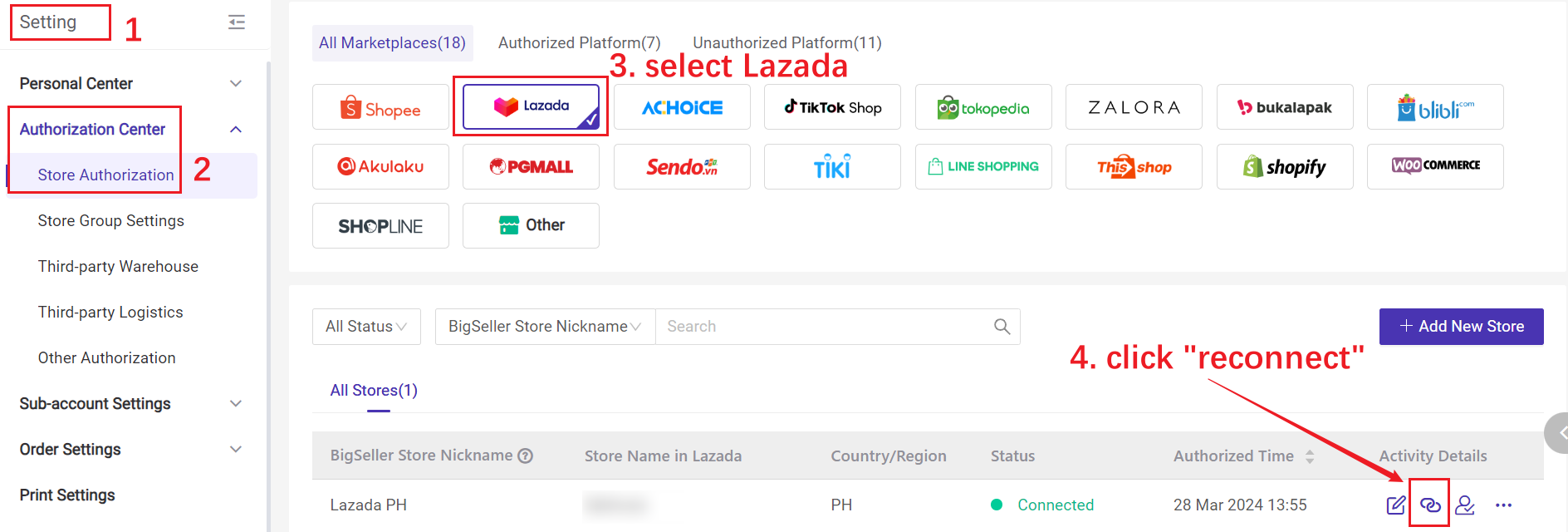
Store authorization expires, please go to Settings > store authorization to reauthorize the store before processing orders
Lazada——Api access frequency exceeds the limit. this ban will last 1 seconds
Too many requests lead to interface restrictions. You need to wait 2 to 3 seconds and try again
