Introduction to Store Report
Update Time: 14 Apr 2026 10:48
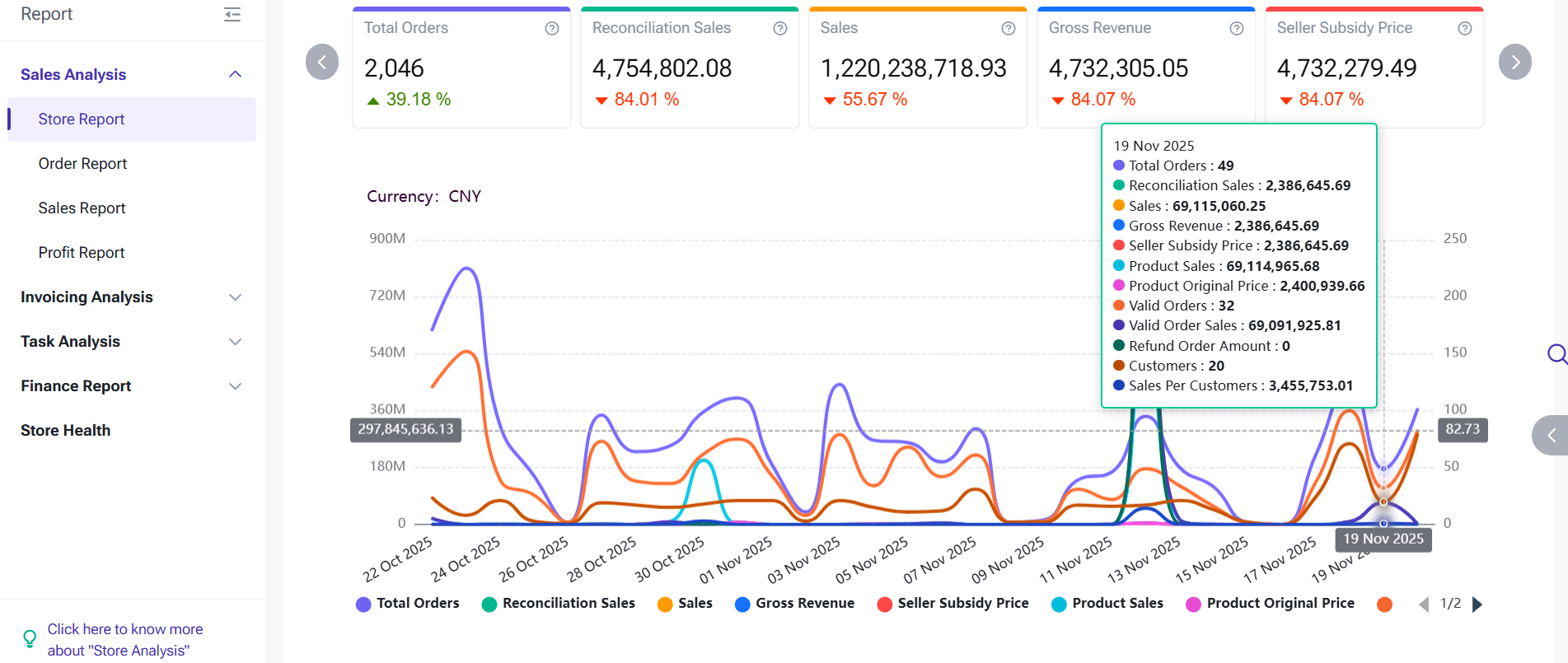
1) Statistics principle: the order data of the day can only be viewed the next day.
2) Statistics based on:
- Shopee: COD orders are based on creation time, Pre Paid orders are based on payment time;
- Other Platforms: Order creation time
-
Store Report: Order statistics do not include unpaid orders as these orders are not confirmed. Orders exported from the Order Processing page (Orders > Order Processing > All Orders) will include unpaid orders. When comparing report data and viewing order details, unpaid orders need to be excluded.
-
Platform: Counts all orders, including unpaid orders and unpaid orders that were canceled.
Introduction
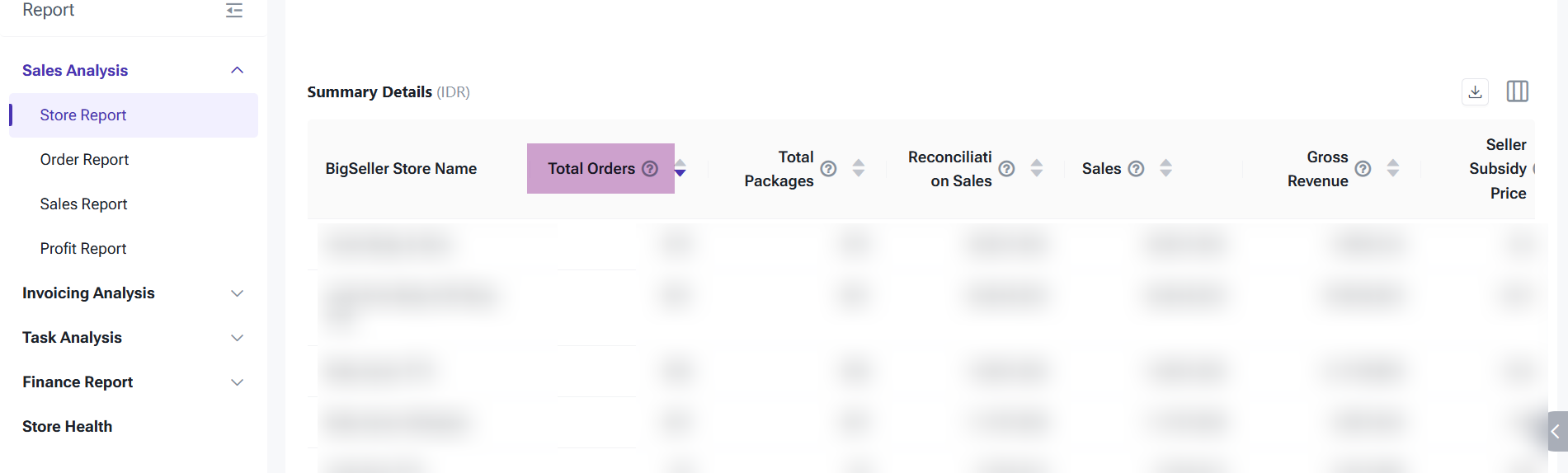
Definition: Counts the number of orders that fall within the selected time range and meet the filter criteria.Time Basis:
- Non-COD orders: Order payment time
- COD orders: Order creation time
Filter Criteria:
- Non-COD orders must be in Paid status
- COD orders must be Successfully Placed
- Order status includes Cancelled and Returned/Refunded
2. Total Packages
Definition: Counts the total number of packages that fall within the selected time range and meet the filter criteria.
Time Basis:
- Non-COD orders: payment time
- COD orders: creation time
Filter Criteria:
- Non-COD orders must be in Paid status
- COD orders must be Successfully Placed
- Order status includes Cancelled and Returned/Refunded

3. Reconciliation Sales
-
Original Price − Platform Discount − Platform Voucher − Seller Discount − Seller Voucher − Platform Coins + Shipping Fee + Buyer Service Fee + Insurance Fee
- Original Price − Seller Discount − Platform Discount + Paid Shipping Fee + Tax Amount + Small Order Fee
- Paid Amount + Platform Discount + Platform Shipping Subsidy
Time Basis:
- Non-COD: payment time
- COD: creation time
Filter Criteria:
- Non-COD orders must be in Paid status
- COD orders must be Successfully Placed
- Order status includes Cancelled and Returned/Refunded
- Supported Platforms: Lazada, TikTok, Shopee

4. Sales
Definition: The paid amount within the selected time range based on the filter criteria.
- Paid Amount = Original Price − Seller Discount − Platform Discount + Paid Shipping Fee (and others)
Time Basis:
- Non-COD: payment time
- COD: creation time
Filter Criteria:
- Non-COD orders must be in Paid status
- COD orders must be Successfully Placed
- Order status includes Cancelled and Returned/Refunded

5. Gross Revenue
Definition: The gross revenue within the selected time range.
- Gross Revenue = Original Price − Seller Discount − Seller Voucher − Seller-borne Coins + Platform Shipping Subsidy + 3PL Shipping Subsidy
Time Basis:
- Non-COD: payment time
- COD: creation time
Filter Criteria:
- Non-COD orders must be in Paid status
- COD orders must be Successfully Placed
- Order status includes Cancelled and Returned/Refunded
- Supported Platforms: Lazada, TikTok, Shopee

6. Seller Subsidy Price
Definition: The seller-subsidized price within the selected time range.
- Seller Subsidy Price = Original Price − Seller Discount − Seller Voucher
Time Basis:
- Non-COD: payment time
- COD: creation time
Filter Criteria:
- Non-COD orders must be in Paid status
- COD orders must be Successfully Placed
- Order status includes Cancelled and Returned/Refunded
- Supported Platforms: Lazada, TikTok, Shopee

7. Product Sales
Definition: Product sales amount within the selected time range.
- Product Sales = Original Price − Platform Discount − Platform Voucher − Seller Discount − Seller Voucher − Platform Coins
Time Basis:
- Non-COD: payment time
- COD: creation time
Filter Criteria:
- Non-COD orders must be in Paid status
- COD orders must be Successfully Placed
- Order status includes Cancelled and Returned/Refunded
8. Product Original Price
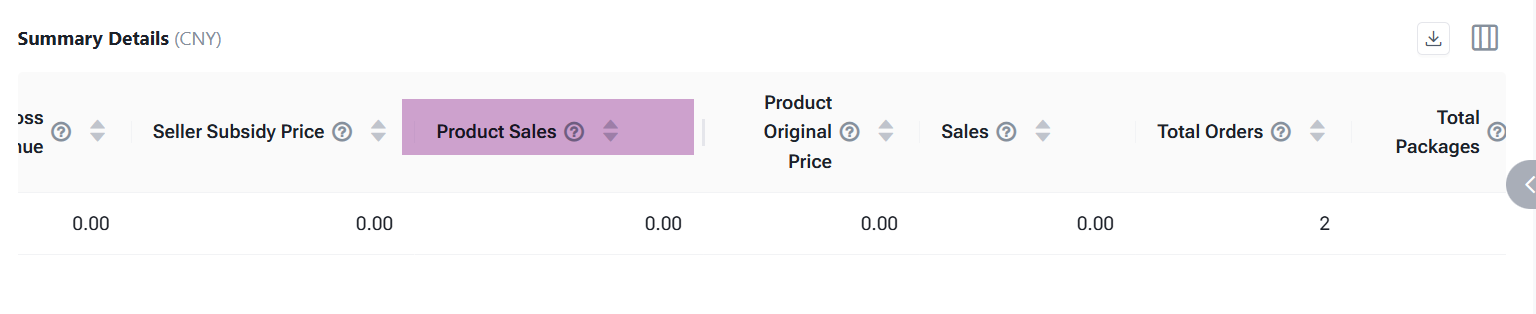
Definition: The original price of products whose statistical time falls within the selected time range and meets the filter
Statistical Time:
-
Non-COD orders: order payment time
-
COD orders: order creation time
Filter Conditions:
-
Non-COD orders must be in “Paid” status;
-
COD orders must be successfully placed;
-
Order status includes “Cancelled” and “Returned/Refunded”;
- Supported Platforms: Currently supports Lazada, TikTok, and Shopee.

9. Valid Orders
Definition: Number of orders within the selected time range whose order status is not Cancelled.
Statistical Time:
-
Non-COD orders: order payment time
-
COD orders: order creation time
Filter Conditions:
-
Non-COD orders must be in “Paid” status;
-
COD orders must be successfully placed;
-
Order status must not include “Cancelled,” but include “Returned/Refunded".

10. Valid Order Sales
Definition: Paid amount for valid orders (order status ≠ Cancelled).
- Paid Amount = Original Price − Seller Discount − Platform Discount + Paid Shipping Fee (etc.)
Statistical Time:
-
Non-COD orders: order payment time
-
COD orders: order creation time
Filter Conditions:
-
Non-COD orders must be in “Paid” status;
-
COD orders must be successfully placed;
-
Order status must not include “Cancelled,” but include “Returned/Refunded".

11. Refund Order Amount
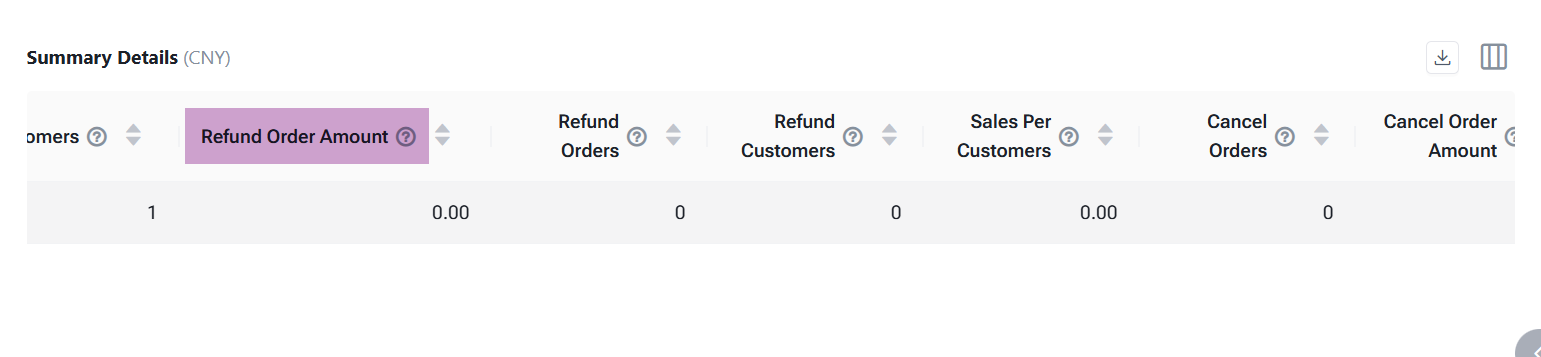
Definition: Refund amount for orders whose after-sales status = Refund Successful.
Statistical Time:
-
Non-COD orders: order payment time
-
COD orders: order creation time
12. Refund Orders
Definition: Number of refund orders whose refund status = Refund Successful.
Statistical Time:
-
Non-COD orders: order payment time
-
COD orders: order creation time

13. Refund Customers
Definition: Number of customers with refund-successful orders.
Statistical Time:
-
Non-COD orders: order payment time
-
COD orders: order creation time

14. Customers
Definition: Number of customers that meet the filter criteria within the selected time range.
Time Basis:
- Non-COD: payment time
- COD: creation time
Filter Criteria:
- Non-COD orders must be in Paid status
- COD orders must be Successfully Placed
- Order status includes Cancelled and Returned/Refunded

Definition: Sales per customer = Sales ÷ Customers

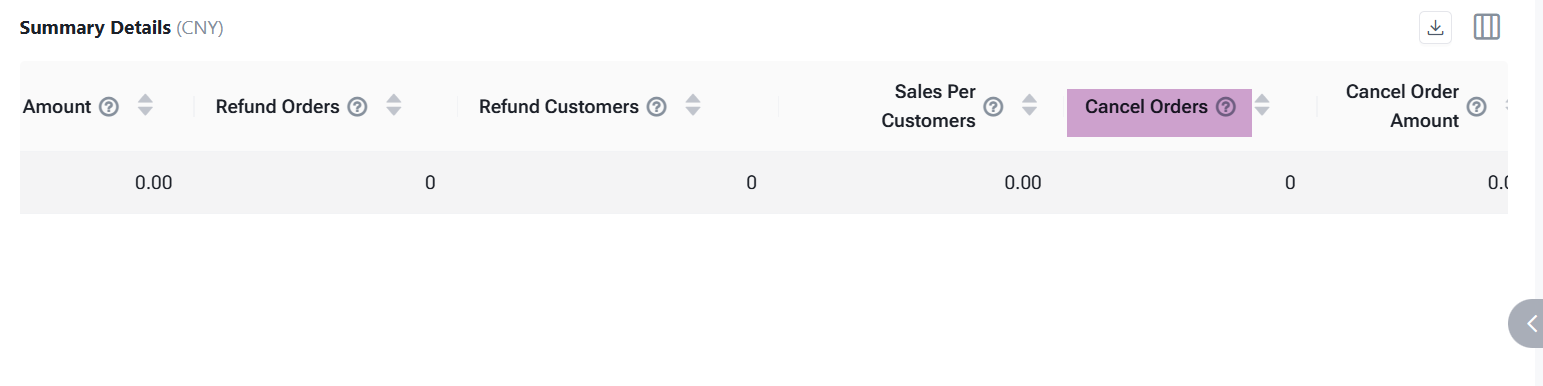
16. Cancel Orders
Definition: Number of orders whose order status = Cancelled.
Time Basis:
-
Non-COD orders: order payment time
-
COD orders: order creation time
-
Non-COD orders must be in “Paid” status;
-
COD orders must be successfully placed;
-
Order Status = “Cancelled”
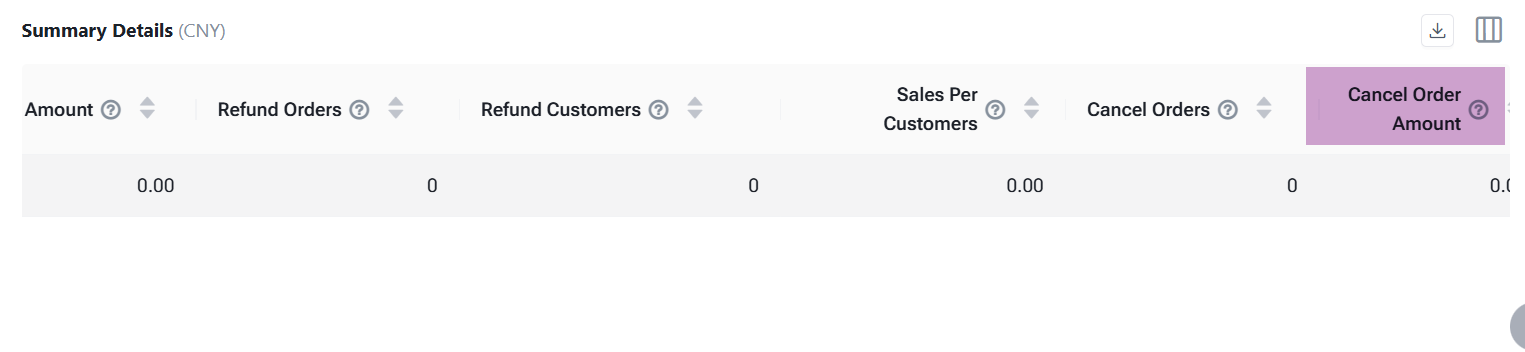
17. Cancel Order Amount
Definition: Paid amount of orders whose status = Cancelled.
Time Basis:
-
Non-COD orders: order payment time
-
COD orders: order creation time
-
Non-COD orders must be in “Paid” status;
-
COD orders must be successfully placed;
-
Order Status = “Cancelled”
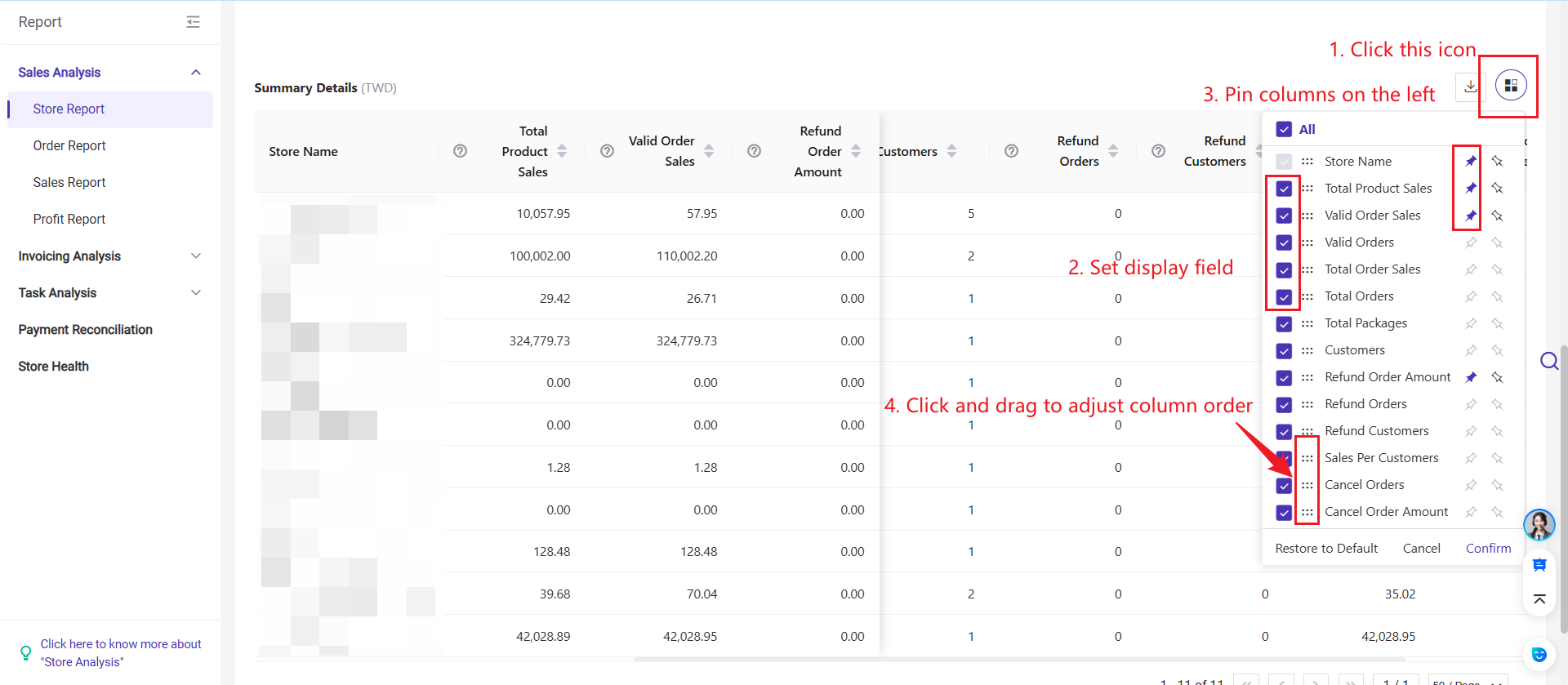
💡 Tips: In the store report, you can select the display fields, drag to adjust the column order, and freeze certain columns on the left.
1. Partially refunded orders are included in both the count of refunded orders and the total refund amount, and the refund amount will only account for the refunded product.
2. Orders that are refunded after payment will be included in Total Sales and Total Orders, but excluded from Valid Sales and Valid Orders.
Is this content helpful?
Thank you for your feedback. It drives us to provide better service.
Please contact us if the document can't answer your questions